CMS rescue, migration & content preservation for existing websites
CMS Migration Field Manual

Rescue the website. Preserve what matters. Remove what does not.

CMSWebsite.ca is a practical guide for moving aging WordPress, ASP.NET, PHP/MySQL and other database-driven sites into cleaner, safer architecture without casually throwing away URLs, content, rankings or business history.

Plan a CMS migration →Open migration checklist
01
InventoryURLs, files, media, forms, database features
SCAN
02
PreserveContent, metadata, backlinks, priority landing pages
MAP
03
SimplifyRemove obsolete code, plugins and database dependencies
CLEAN
04
RebuildStatic HTML or a deliberately chosen new platform
BUILD
05
ValidateRedirects, assets, forms, metadata, speed and crawlability
QA
Start with the problem

Not every old CMS needs another CMS.

Many legacy sites began as database-driven systems because that was the default choice. Years later, the database may only be powering a handful of pages that rarely change. In that situation, reducing complexity can be more valuable than replacing one CMS with another.

HTML

Convert to static HTML

Identify dynamic features that are actually used, preserve valuable URLs and rebuild the public site without unnecessary database dependencies.

Read the migration guide →
301

Preserve old URLs

Build a redirect map before launch so valuable inbound links and familiar paths are not lost during a redesign.

Plan redirects →
REC

Recover damaged sites

Separate useful content from compromised plugins, obsolete server files, injected scripts and broken database code.

Website recovery guide →
Migration logic

Decide what to keep before deciding what to rebuild.

A migration should start with evidence: what pages exist, which pages receive traffic or links, what forms and integrations are real, and which features are merely leftovers.

Archive
Inventory
Map
Rebuild
Validate
1KEEP /airport-service.html
2REWRITE /services.aspx?id=14
3301 /old-blog/post-27 → /guide.html
4REMOVE /plugins/unused-package/
5VERIFY canonicals + sitemap + forms
Practical tools

Use the site while you plan the migration.

Migration checklist

Track the major pre-launch and post-launch checks in your browser. Progress is saved locally on your device.

Open checklist →

URL redirect mapper

Paste old and new URL lists, pair them and flag old paths that still need a destination.

Build a redirect map →
?

CMS or static?

Answer a few architecture questions to see whether a database CMS is actually justified.

Run the decision tool →
Real architecture examples

Different websites need different migration decisions.

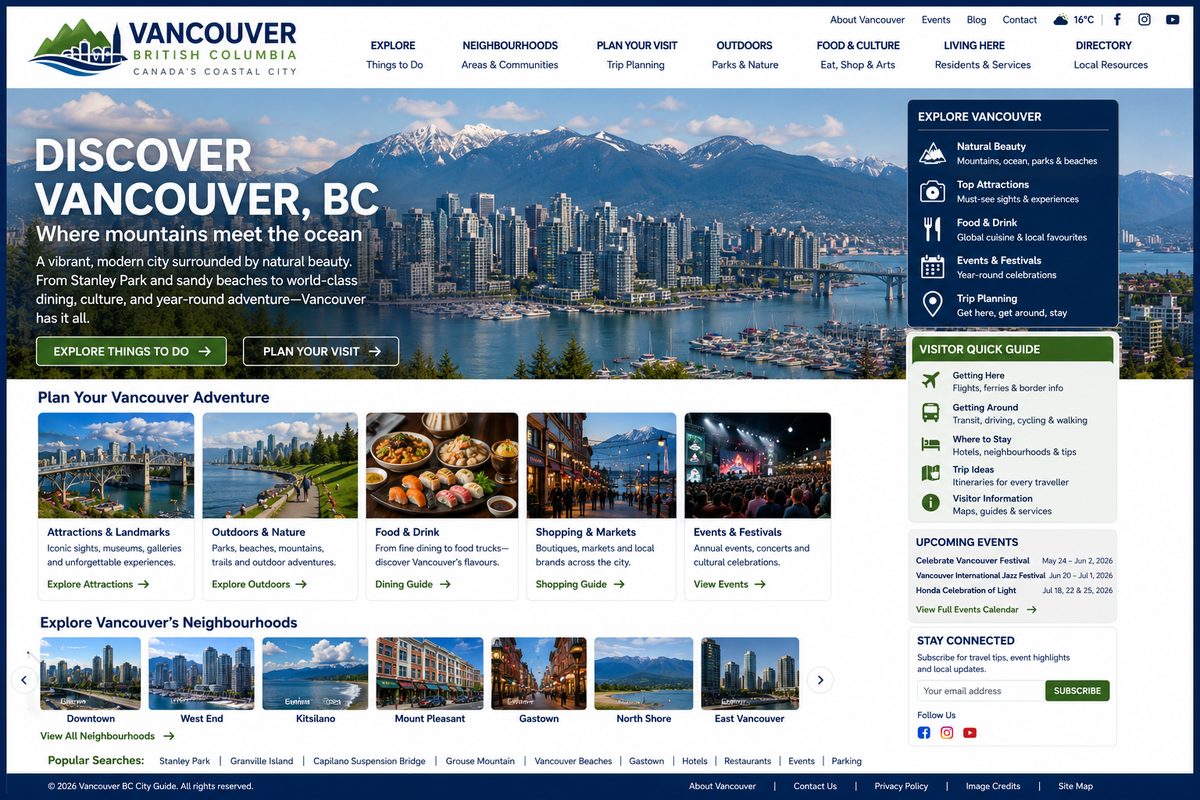
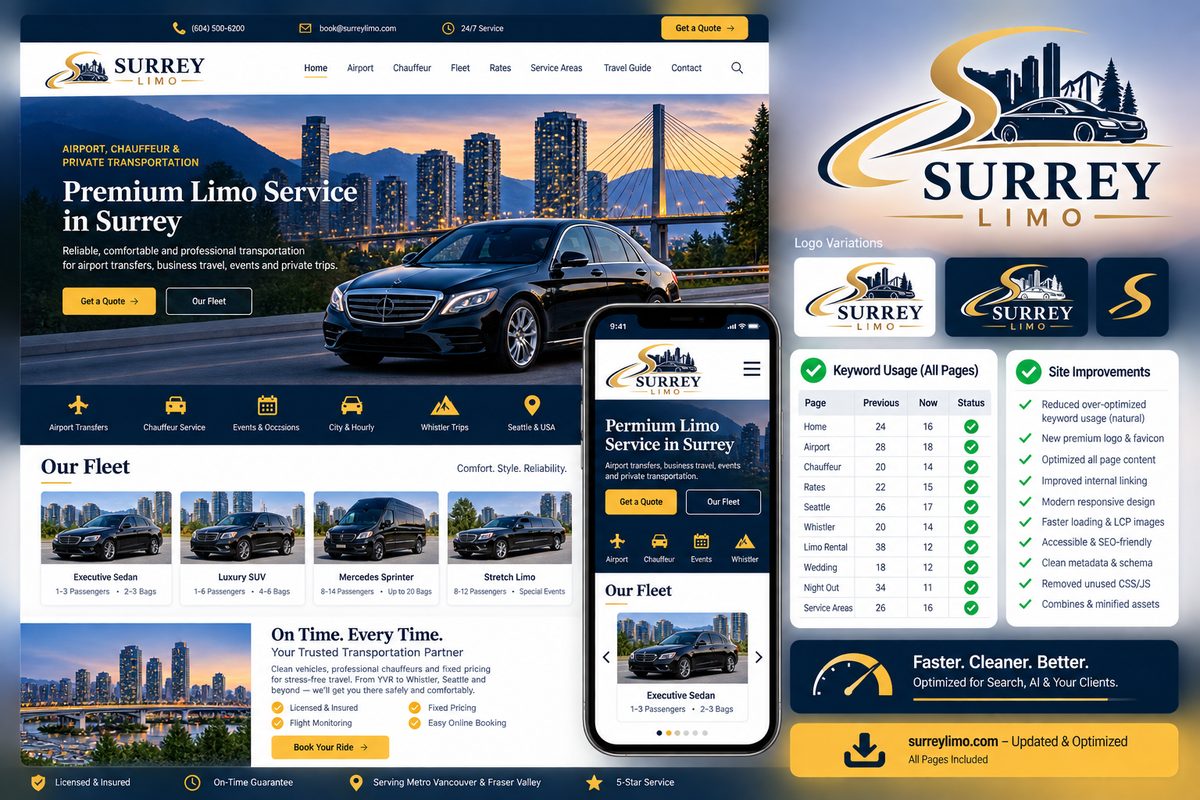
These live properties illustrate the range: static content sites, local guides, commercial service sites and booking-oriented applications. The point is not to make every site identical; it is to match the architecture to the job.

See more migration examples →